Makeup Studio: Beauty Editor
Try virtual makeup on your photos: lipstick, blush, eyeshadow. Works offline.
Google Play
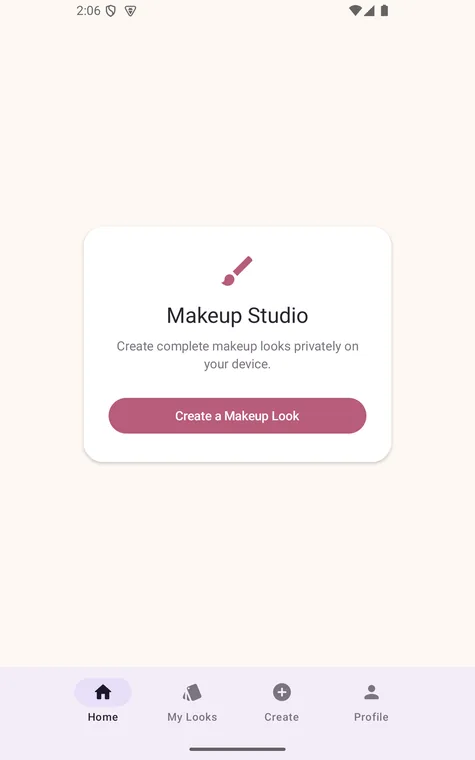
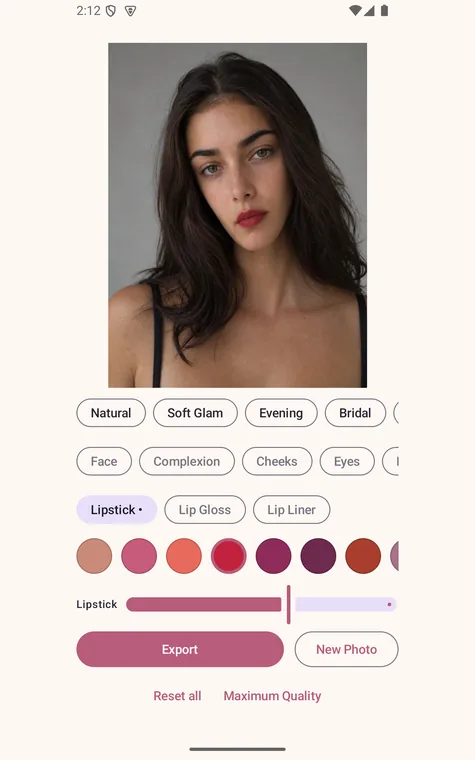
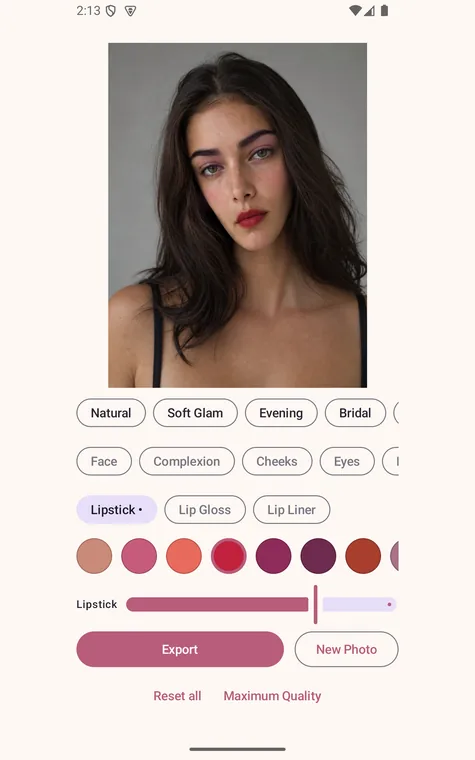
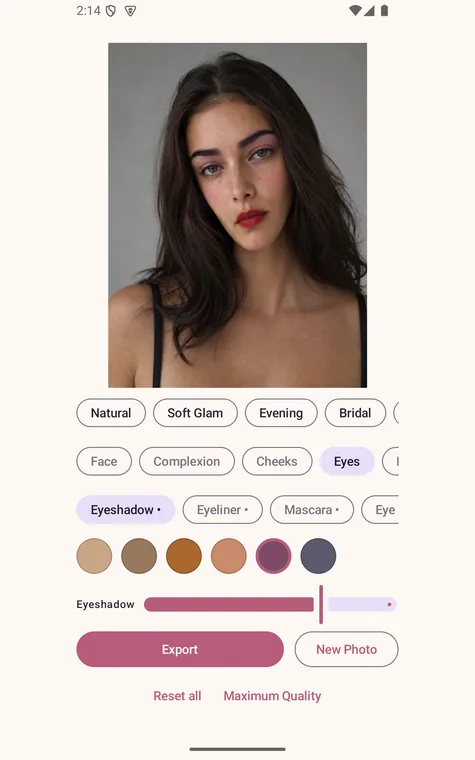
Makeup Studio lets you try makeup on a photo — lipstick, blush, eyeshadow and more — without anything leaving your phone.
Pick a photo and start painting. The app finds your lips, eyes and brows on the device, then blends colour onto them while keeping your own texture and shading, so the result looks applied rather than pasted on.
LIPS
Lipstick, gloss and liner, with a blend that follows the natural shape of your lips and stays off your teeth.
CHEEKS
Blush, contour, bronzer and highlighter.
EYES
Eyeshadow, eyeliner, mascara, brows and eye colour.
SKIN
Foundation and skin smoothing, limited to the face so hair and background stay sharp.
FACE SHAPE
Six extra controls if you want them: face width, jaw, chin, eyes, nose and lips.
FIVE ONE-TAP LOOKS
A whole combination in one tap — then adjust anything you like. Every layer has its own intensity slider, and every tool has its own reset.
NON-DESTRUCTIVE
Your original photo is never modified. Export writes a new file to your gallery and keeps a copy in My Looks.
COMPLETELY FREE
No ads. No subscription. No in-app purchases. No account, no sign-up, no email.
PRIVATE BY DESIGN
No internet permission at all — the app cannot upload your photos. No analytics, no tracking, no advertising ID. Face detection runs on your device using a bundled model: it locates features so the app knows where to paint, and never identifies anyone or stores a faceprint.
Makeup Studio is a creative photo tool. The makeup it renders is a digital effect and is not a prediction of how a real cosmetic product will look on your skin.
Privacy policy: https://makeupstudio.hugosoftware.net/privacy
Support: https://makeupstudio.hugosoftware.net/support